 The Community Site
Mentor Studio + The Community Site
Bring Your Own AI Mentors Into Your Community
Create branded AI Mentors in Mentor Studio, connect them directly to The Community Site, and give your members personalized guidance, coaching, education, and support — without sending them outside your community.
What is Mentor Studio?
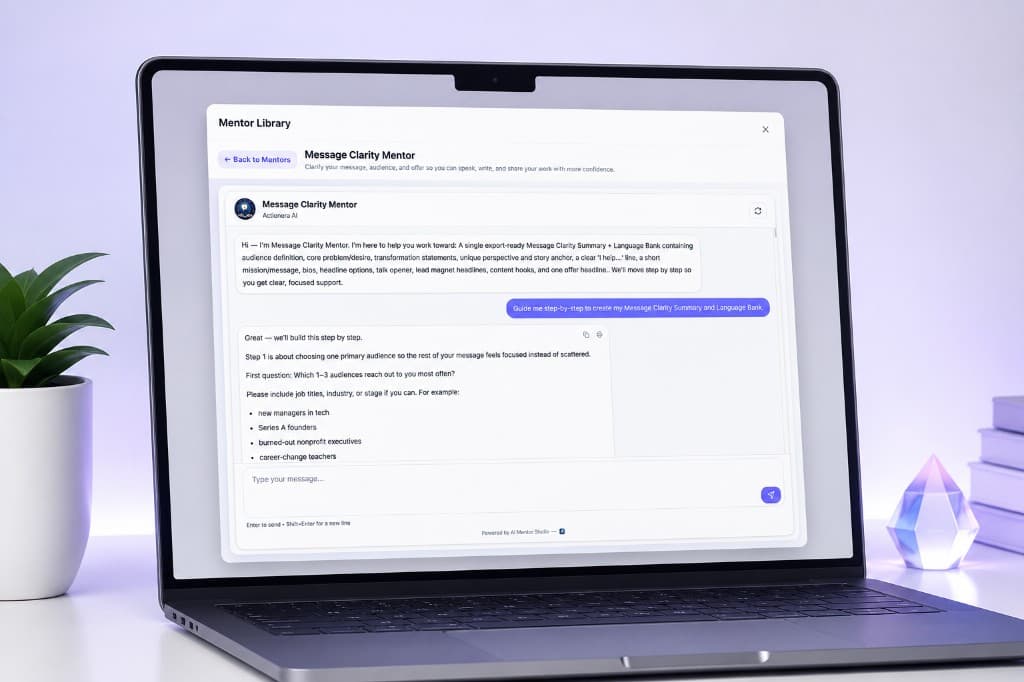
Create AI Mentors That Work Like Your Best Guidance
- Coaching mentors
- Decision-making guides
- Onboarding mentors
- Course companions
- Expert Q&A mentors
- Reflection and journaling guides
- Business advisors
- Leadership mentors
- Wellness and clarity guides
The integration
Designed to Work Inside The Community Site
- 1
Create your Mentor Studio account.
- 2
Build one or more AI Mentors.
- 3
Connect Mentor Studio from your Community Site admin.
- 4
Choose the Studio you want to use.
- 5
Select the mentors you want to offer.
- 6
Decide which Community Site membership plans can access each mentor.
- 7
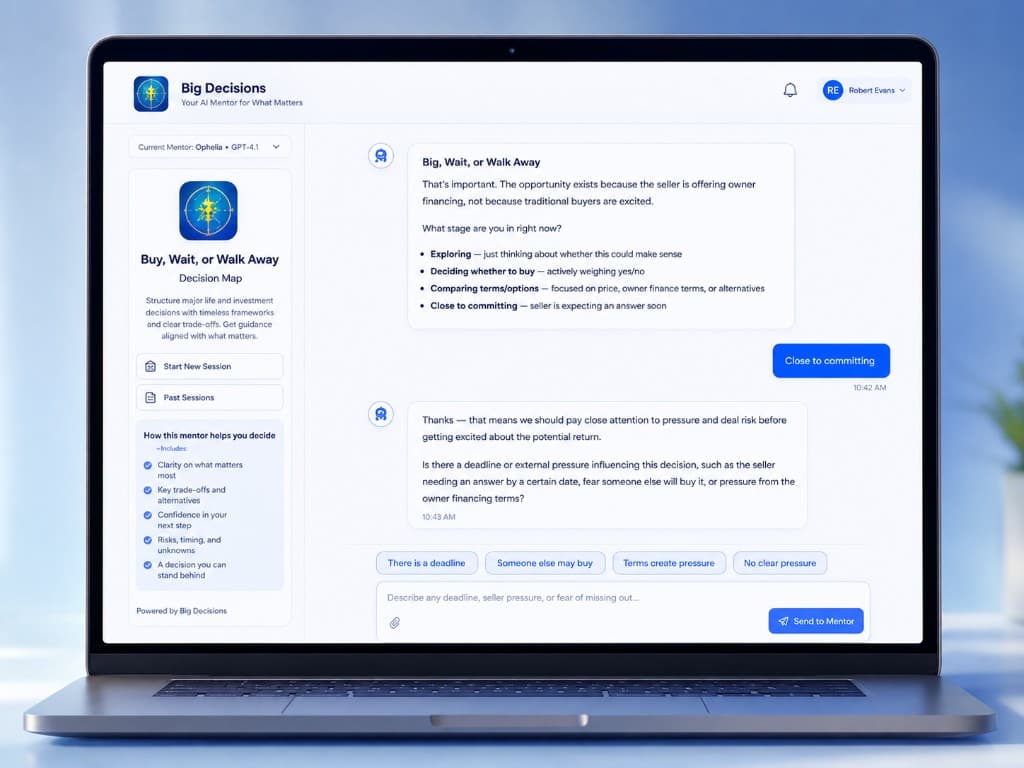
Members experience the mentor directly inside your Community Site.
No separate member account
Members do not need a separate Mentor Studio account.
They stay in your community
They remain inside the Community Site experience.
Member experience
Your Mentors Become Part of Your Community
AI Mentors
Community Guide
Included With Your PlanA starting point for new members.
Experience MentorDecision Clarity Mentor
Included With Your PlanWalk through a decision with your framework.
Experience MentorAdvanced Coaching Mentor
Upgrade to unlockDeeper coaching for a higher membership plan.
Experience Mentor
A native directory inside the community: mentor image, name, description, plan access, and an Experience Mentor button. Locked mentors can point members toward an upgrade. The mentor opens in place — no redirect to another platform.
Membership plans
Give Different Members Access to Different Mentors
- Community Guide
- Business Strategy Mentor
- Decision Clarity Mentor
- Advanced Coaching Mentor
- Leadership Mentor
A locked mentor can also be a natural upgrade opportunity inside the community, showing members what becomes available on the next plan.
What you can build
Mentors Built Around the Work Your Community Already Does
Coaching Mentor
Turn your coaching framework into an always-available guide.
Course Companion
Help members apply what they are learning between lessons.
Decision Mentor
Walk members through important decisions using your process.
Onboarding Guide
Help new members understand where to start.
Expert Advisor
Make your specialized knowledge accessible anytime.
Reflection Mentor
Guide members through thoughtful prompts and next steps.
How it works
Connected Once. Managed From Your Community.
Connect your Mentor Studio account.
Choose a Studio.
Select mentors.
Control Community Site plan access.
Display the mentors directly inside the community.
No copying prompts.
No recreating mentors.
No separate member logins.
Changes to Mentor Studio mentor content remain managed from Mentor Studio.
Getting ready
What You Need
The Community Site
A Community Site account where you manage your community and membership plans.
Mentor Studio
A Mentor Studio account where you create and manage your AI Mentors.
Once both are ready, connect them from: Community Site Admin → Add-On Modules → AI Mentors
Your Mentor Studio account
Choose a Mentor Studio Plan When You Are Ready
Already have Mentor Studio? Sign In and connect your account from The Community Site.
Mentor Studio + The Community Site